Logo

A uniform reminiscent of the 20th century commuter, our now iconic bowler hat logomark reflects our commitment to deploying teams and tools that relentlessly show up, do the work, and show up again tomorrow, no matter what. Contrasted with the rational typography of mid-century Swiss pharmaceutical design, it captures the quiet analytical rigour of the scientific method, pointed toward the frontier of industrial technology.

Primary Logo

The primary Planhat logo combines the hat symbol and wordmark. The wordmark is set in an adjusted version of Geigy Duplex by Lineto, our primary typeface, while the symbol consists of the Plan-hat, a fundamental part of our brand heritage.

It is available in two color variants: Light Mode (dark text) and Dark Mode (light text). The appropriate version should always be selected to ensure maximum contrast and clarity against the relevant background. When in doubt, choose the variant that provides the strongest visibility, or contact Studio Planhat for further guidance.
Light mode on light background

Dark mode on dark background

Dark mode on dark photographic background

Light mode on light photographic background

Light mode on light background

Dark mode on dark background

Dark mode on dark photographic background

Light mode on light photographic background

Light mode on light background

Dark mode on dark background

Dark mode on dark photographic background

Light mode on light photographic background

Wordmark

The primary logo is the default. The wordmark and symbol may be used independently where appropriate, with the wordmark used on its own sparingly.

The wordmark may be used independently in high-recognition contexts, such as owned environments where the Planhat brand is already clearly established. It can also be used in typographic-led layouts, where it integrates more naturally into the design system, or in moderately space-constrained formats where the full logo does not fit comfortably.

Wordmarks

Wordmarks

Light mode on light background

Dark mode on dark background

Light mode on light background

Dark mode on dark background

Light mode on light background

Dark mode on dark background

Symbol

The hat symbol is the most minimal expression of the Planhat brand. It should be used where the Planhat name is already present or where the brand is clearly recognizable without it.

Because the symbol is more abstract than the full logo, it should only be used in contexts where there is sufficient familiarity or supporting cues to ensure full brand recognition.

The symbol is available in Light Mode and Dark Mode variants. Always select the version that provides maximum contrast and clarity against the background. When in doubt, choose the variant that offers the strongest visibility, or contact Studio Planhat for guidance.

Symbols

Symbols

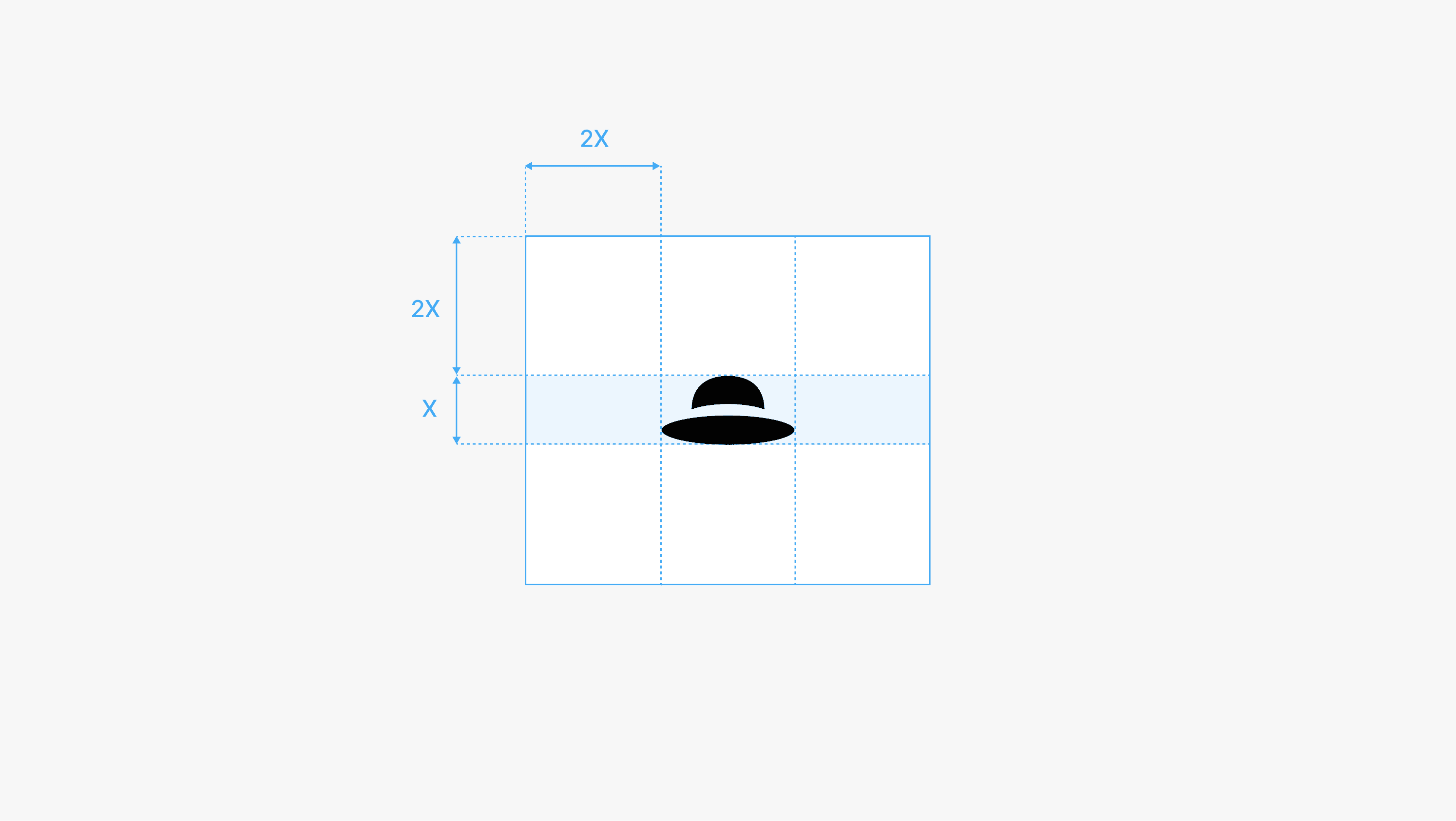
Clearspace

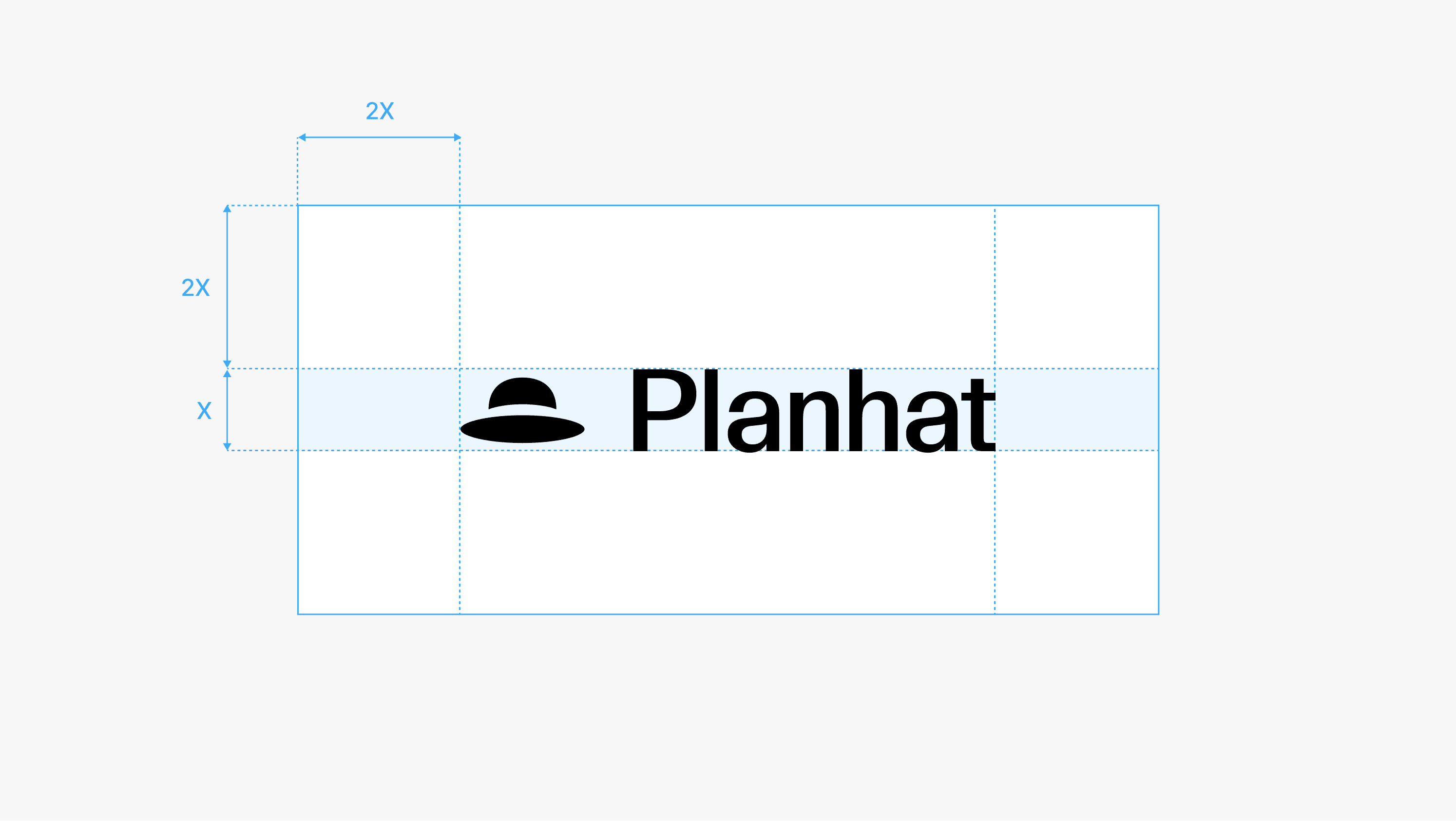
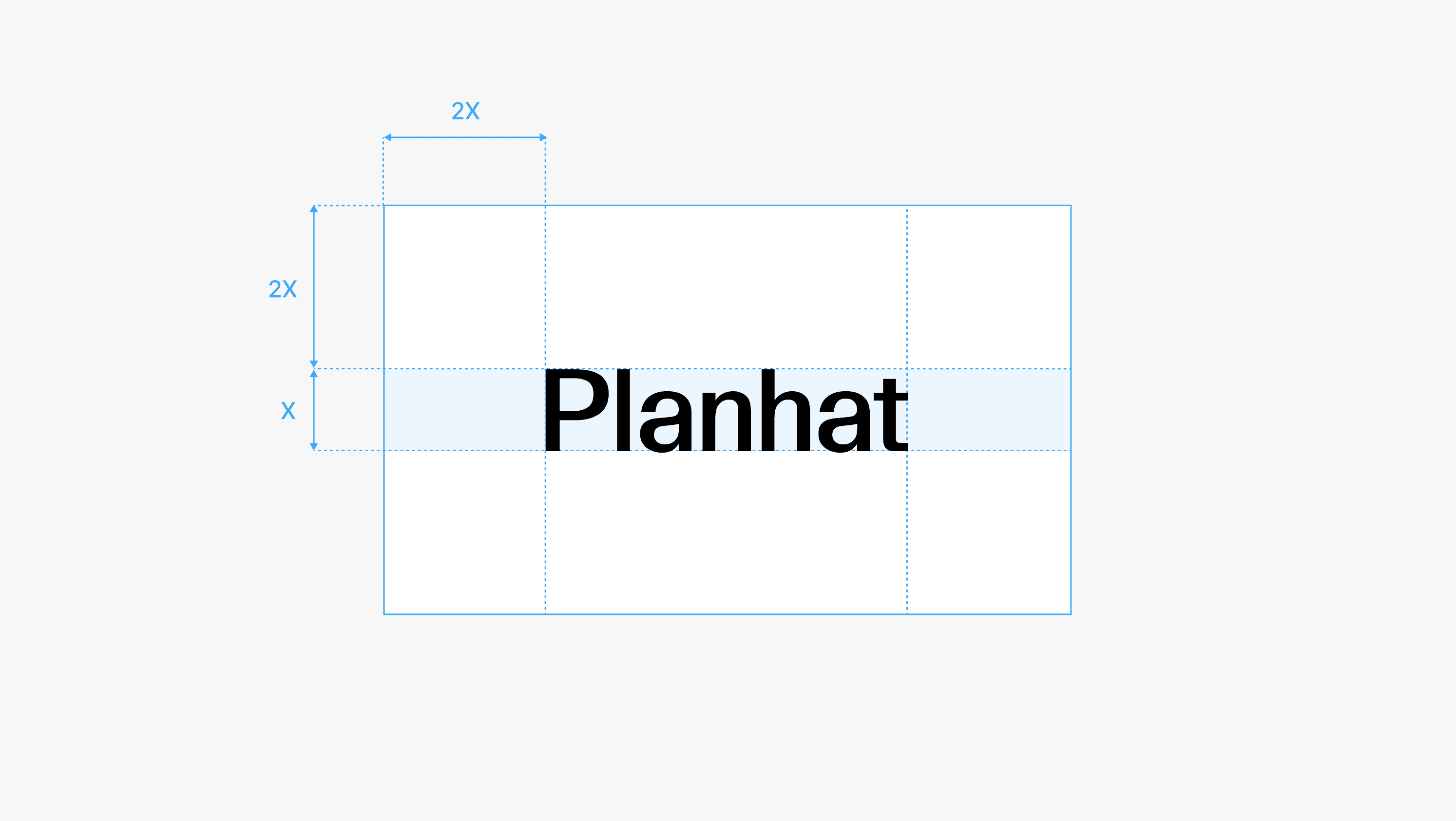
Clearspace is the area surrounding the logo that must remain free of other elements to ensure clarity and legibility at all times.

In the diagrams below, “X” is defined by the cap height of the wordmark. The minimum clear space is twice this height, creating a generous area of respect around the logo.

For the symbol, “X” is defined by the height of the hat. The minimum clear space is twice this height, ensuring consistent spacing and visibility across applications.

Partnerships

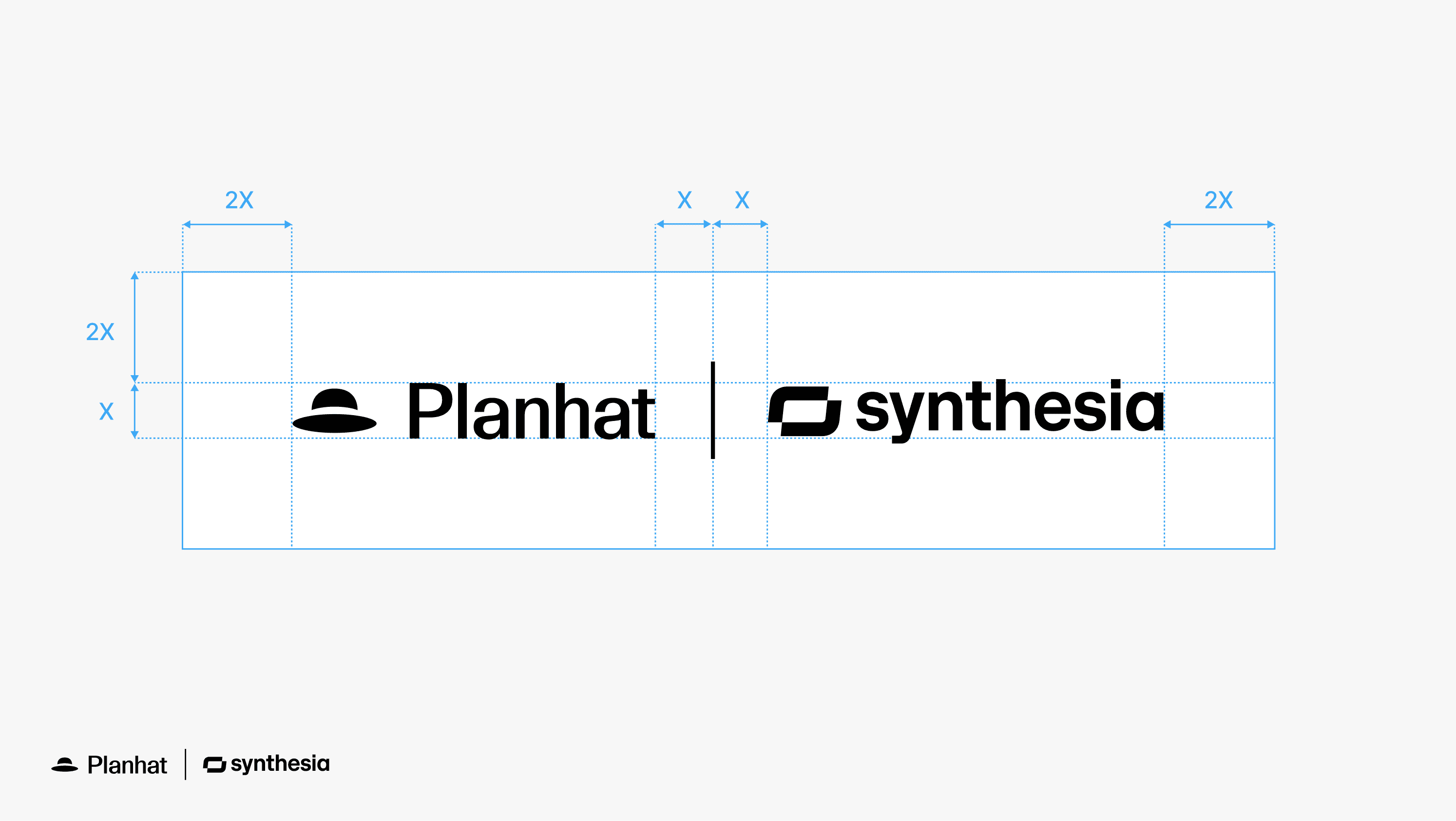
When pairing the Planhat logo with partner logos, both should be presented with equal clarity and visual balance. Wherever possible, partner logos should be used in a simplified or monochrome version.

The size of the partner logo should be adjusted case by case to maintain visual balance between the two marks. Align logos on the baseline or center, to ensure correct balance.
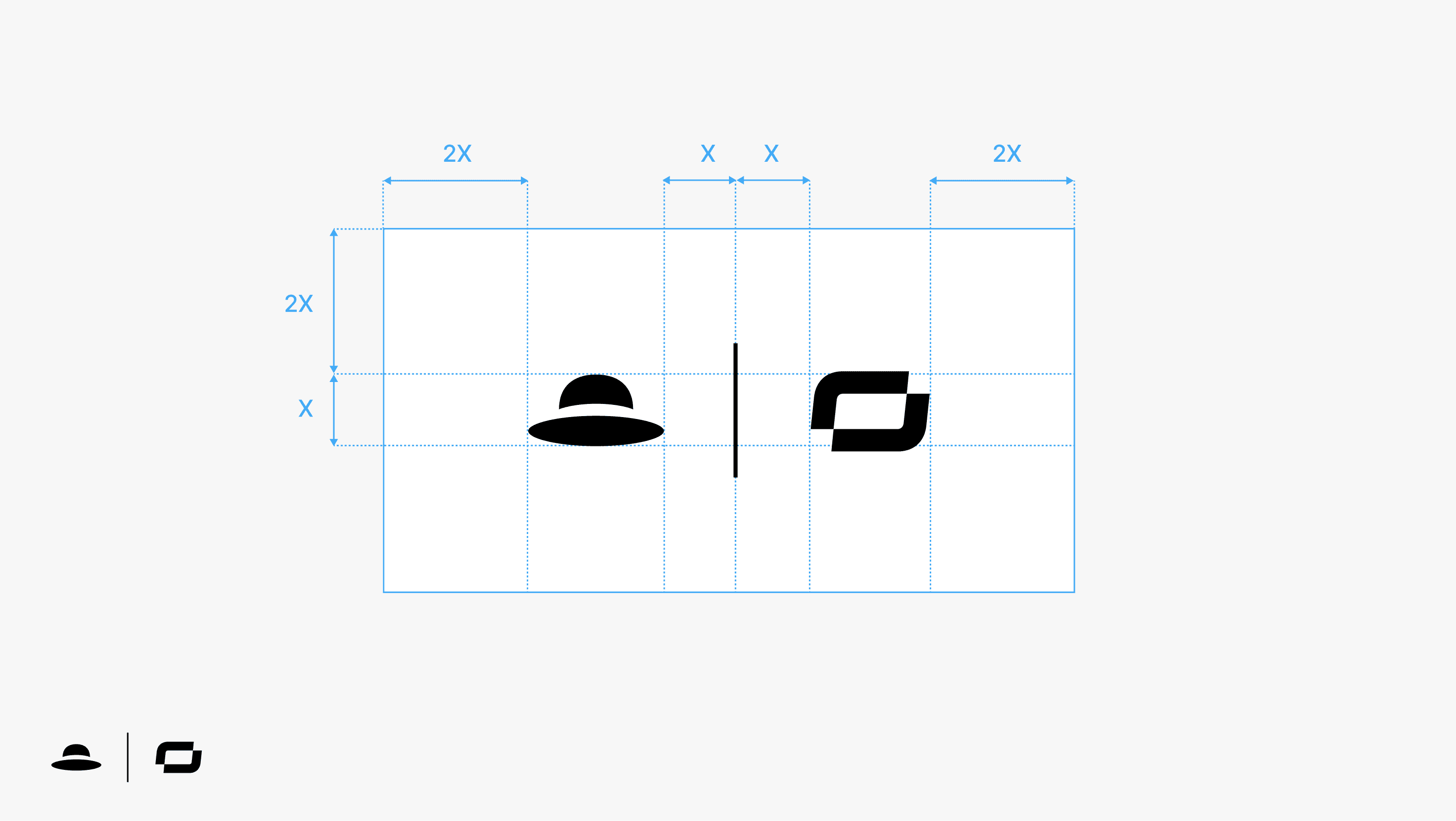
Clear space rules extend to all partnership lockups, as demonstrated below. A rule line is used as a visual divider to maintain separation between logos.

In instances where the partner logo appears as a symbol and the Planhat name is not required, the hat symbol may be used instead of the full logo.

Placement

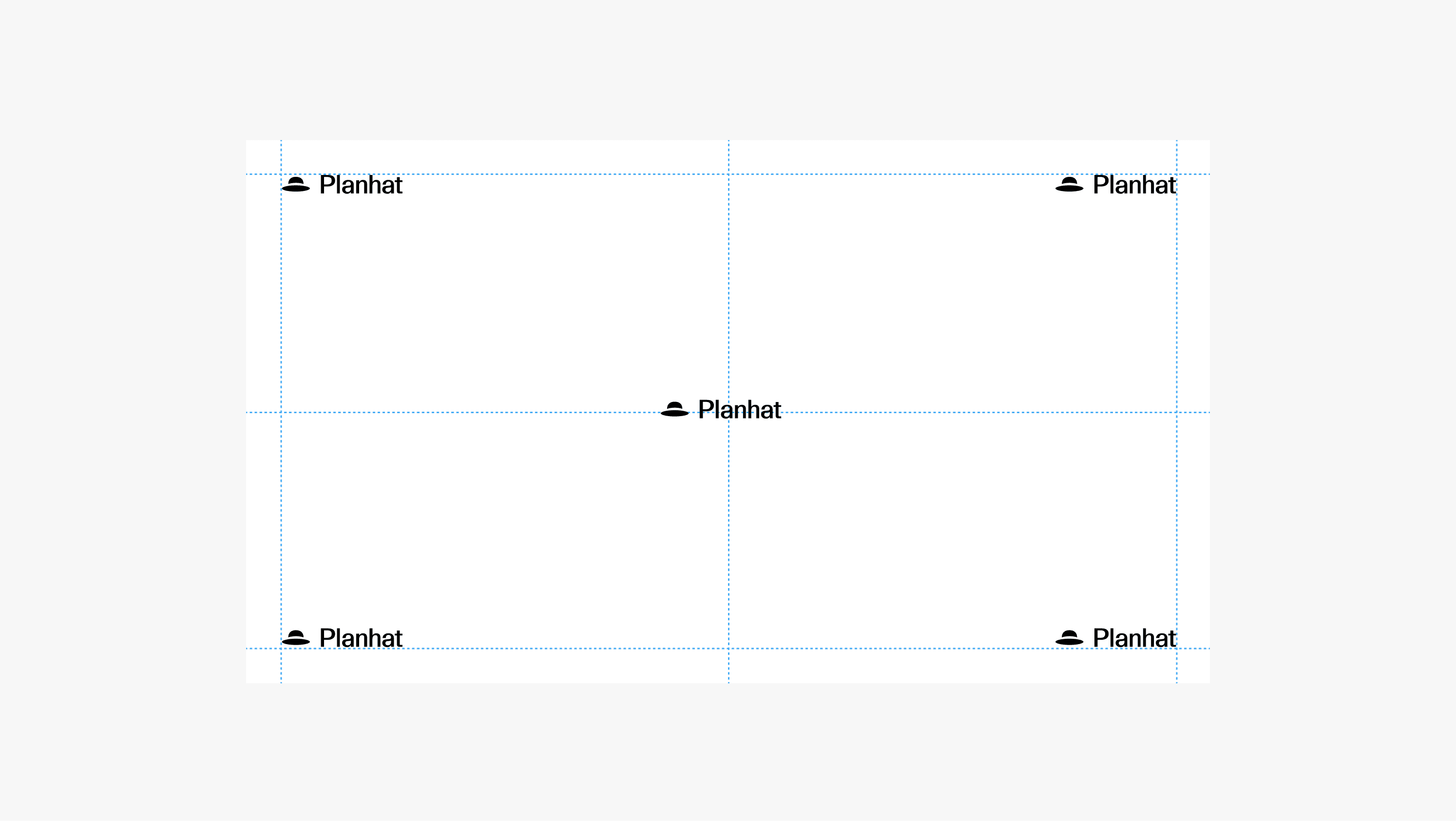
The diagrams below illustrate how to position the logo depending on the context. All logos must be positioned with care, maintaining the defined clear space at all times.

The primary logo can be positioned in any corner or centered. Its size should be optically balanced within the layout.

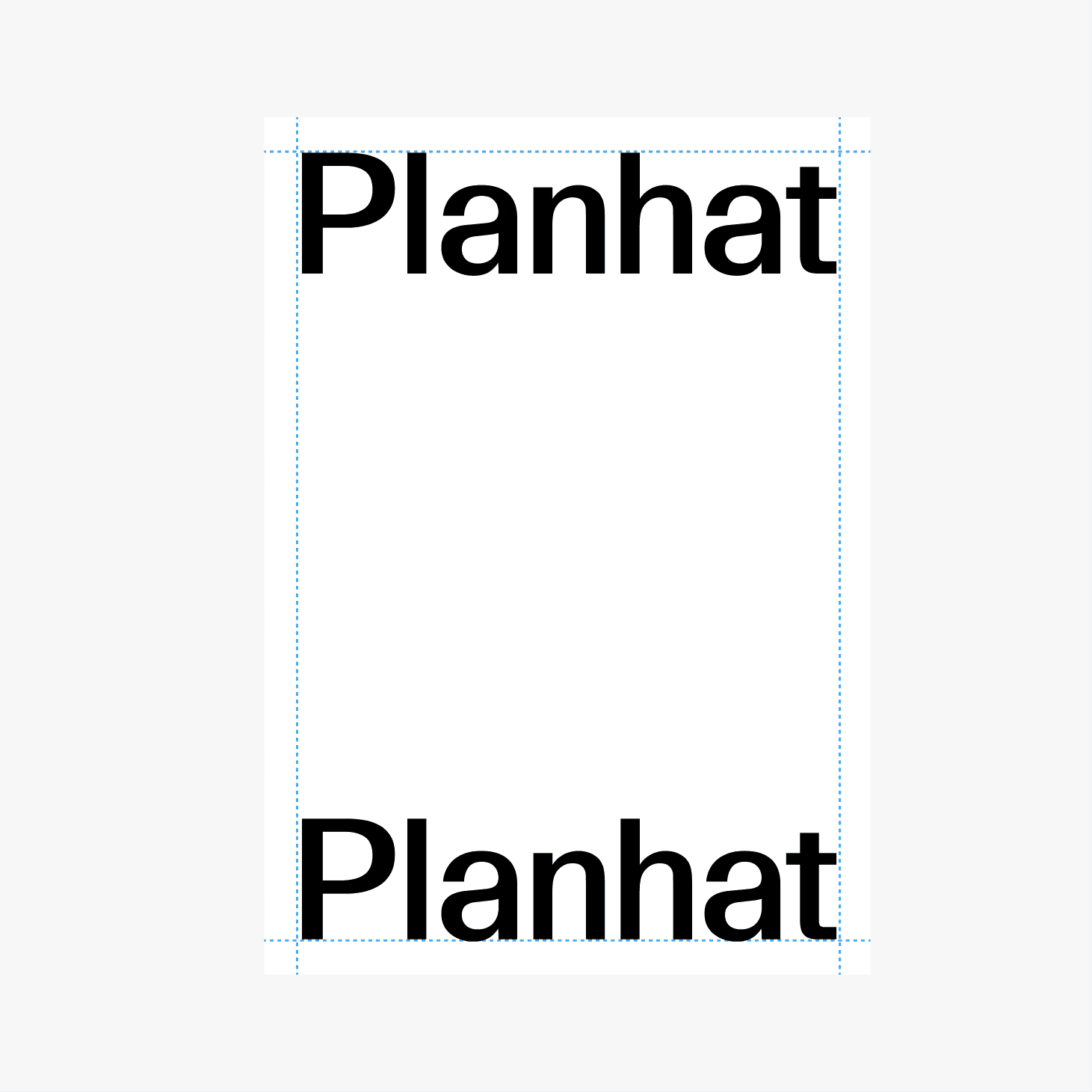
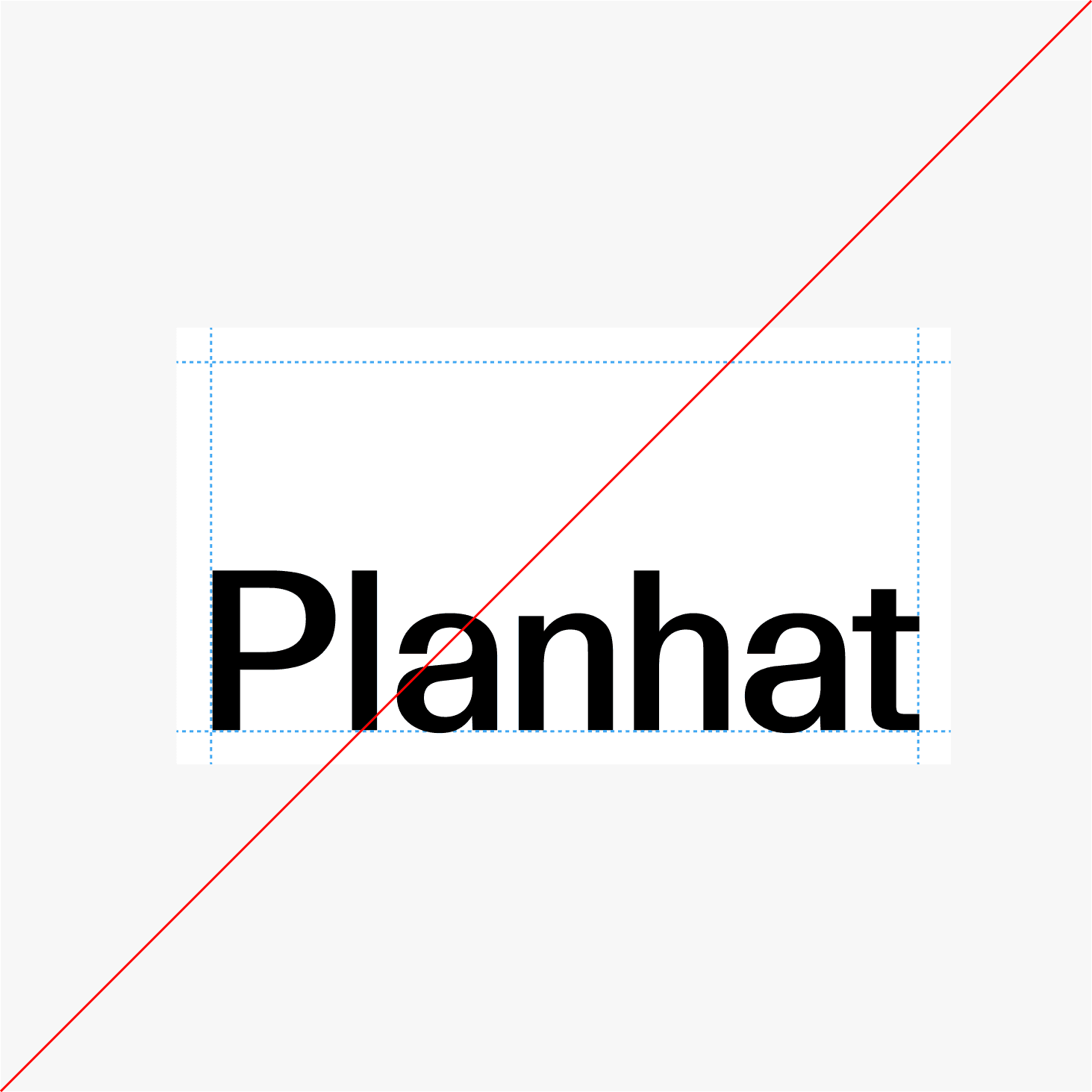
The wordmark, in vertical layouts, is positioned at the top or bottom of the canvas and spans the full width of the layout, and is not used in horizontal layouts.

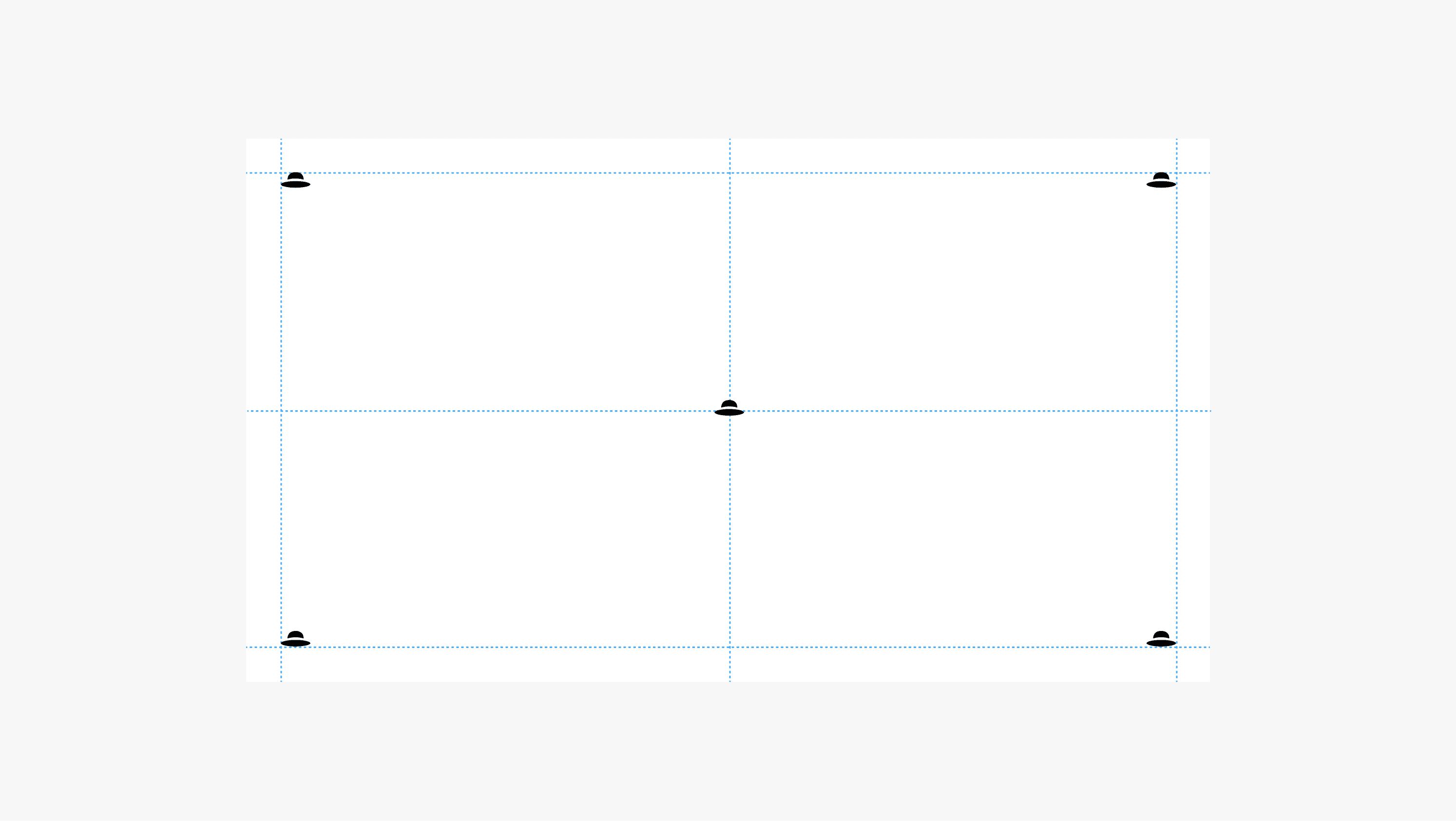
The symbol can be positioned in any corner or centered. Its size must be optically balanced within the layout.

Incorrect Usage

Do not alter the logo. It should always remain as defined in these guidelines, without modification or reinterpretation.

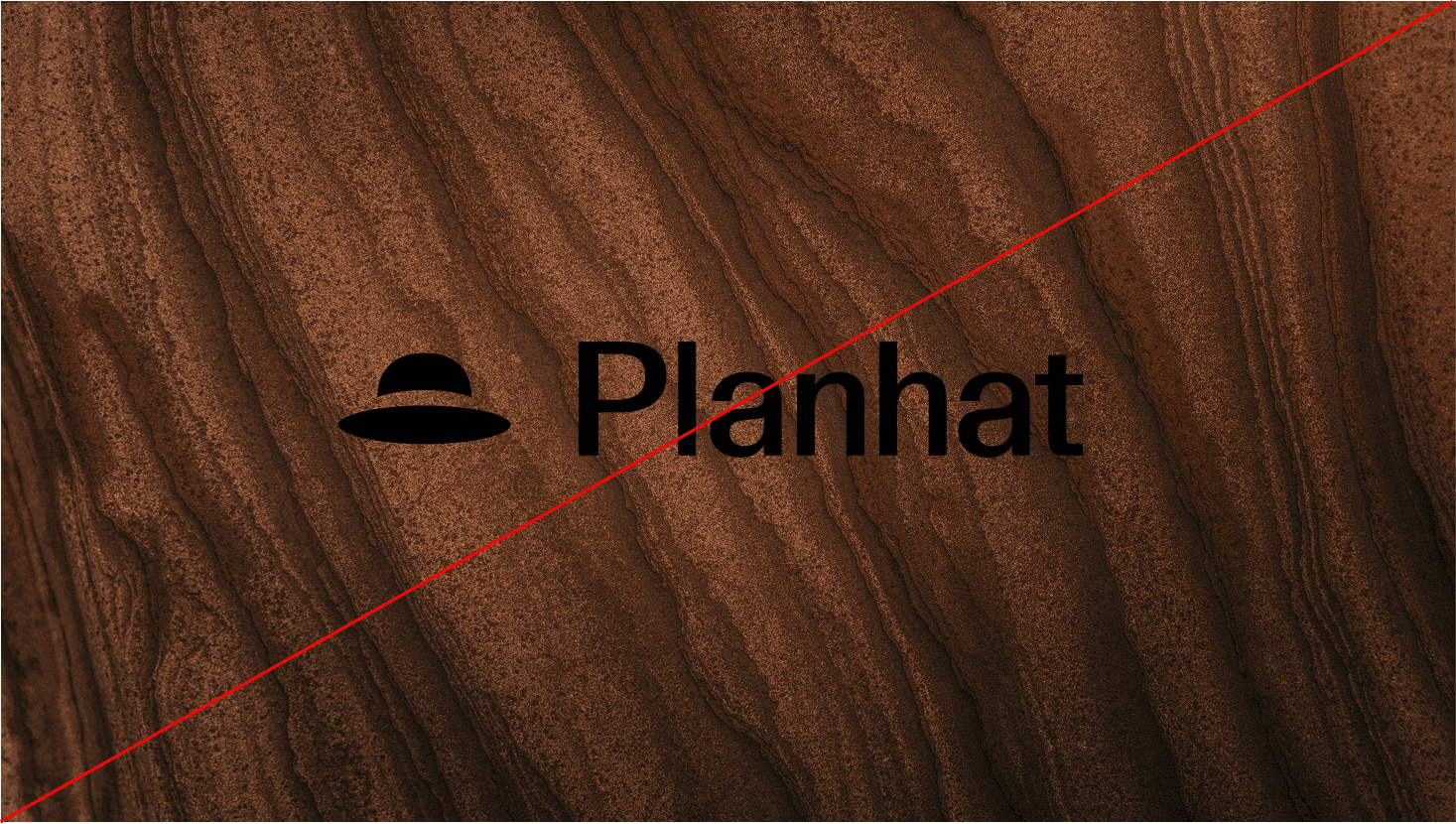
Avoid creating alternative versions, distortions, or stylistic treatments that deviate from the intended design. The examples below illustrate some treatments to specifically avoid.

Do not use the dark version of the logo on dark backgrounds

Do not use the light version of the logo on light backgrounds

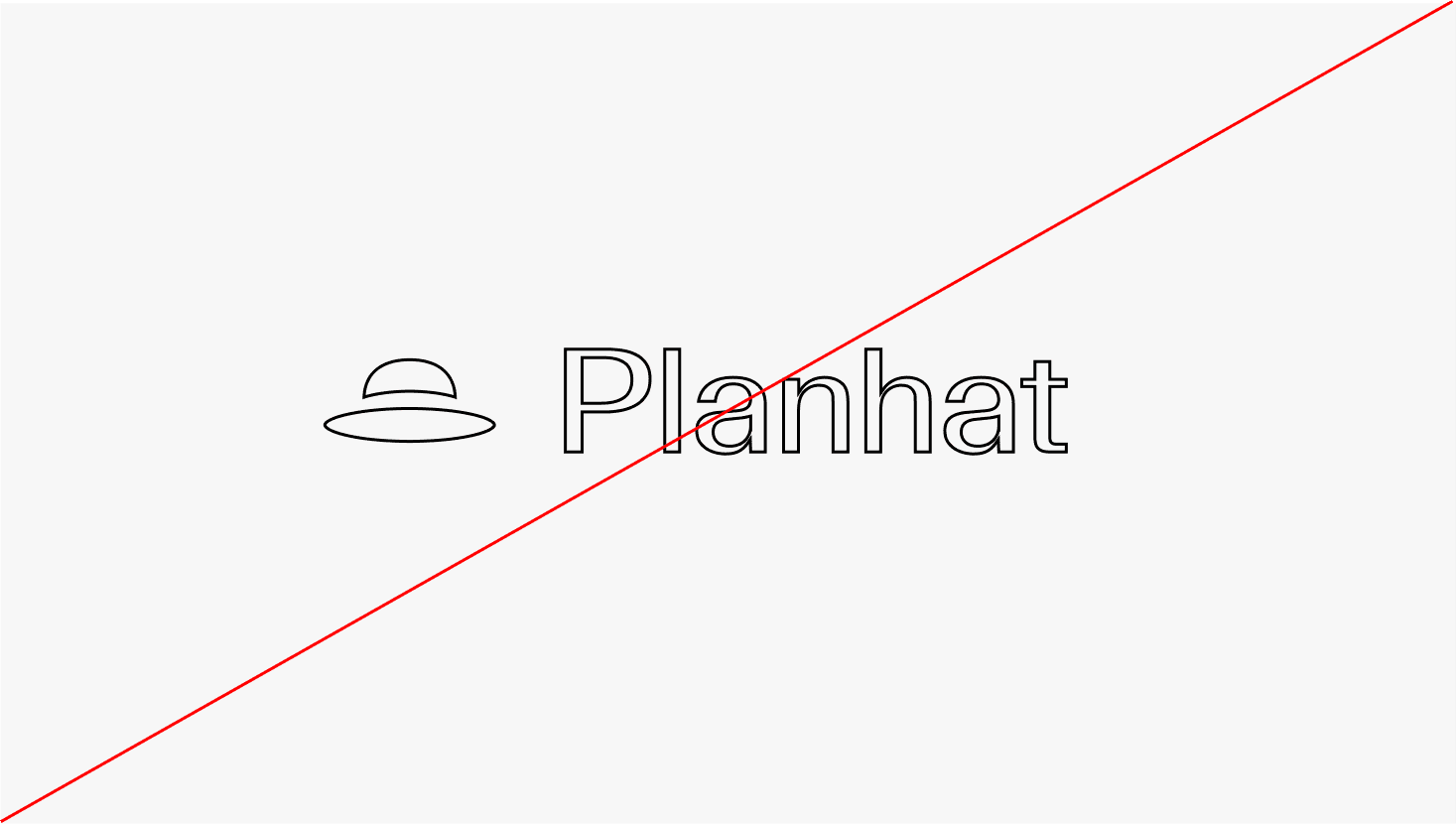
Do not outline

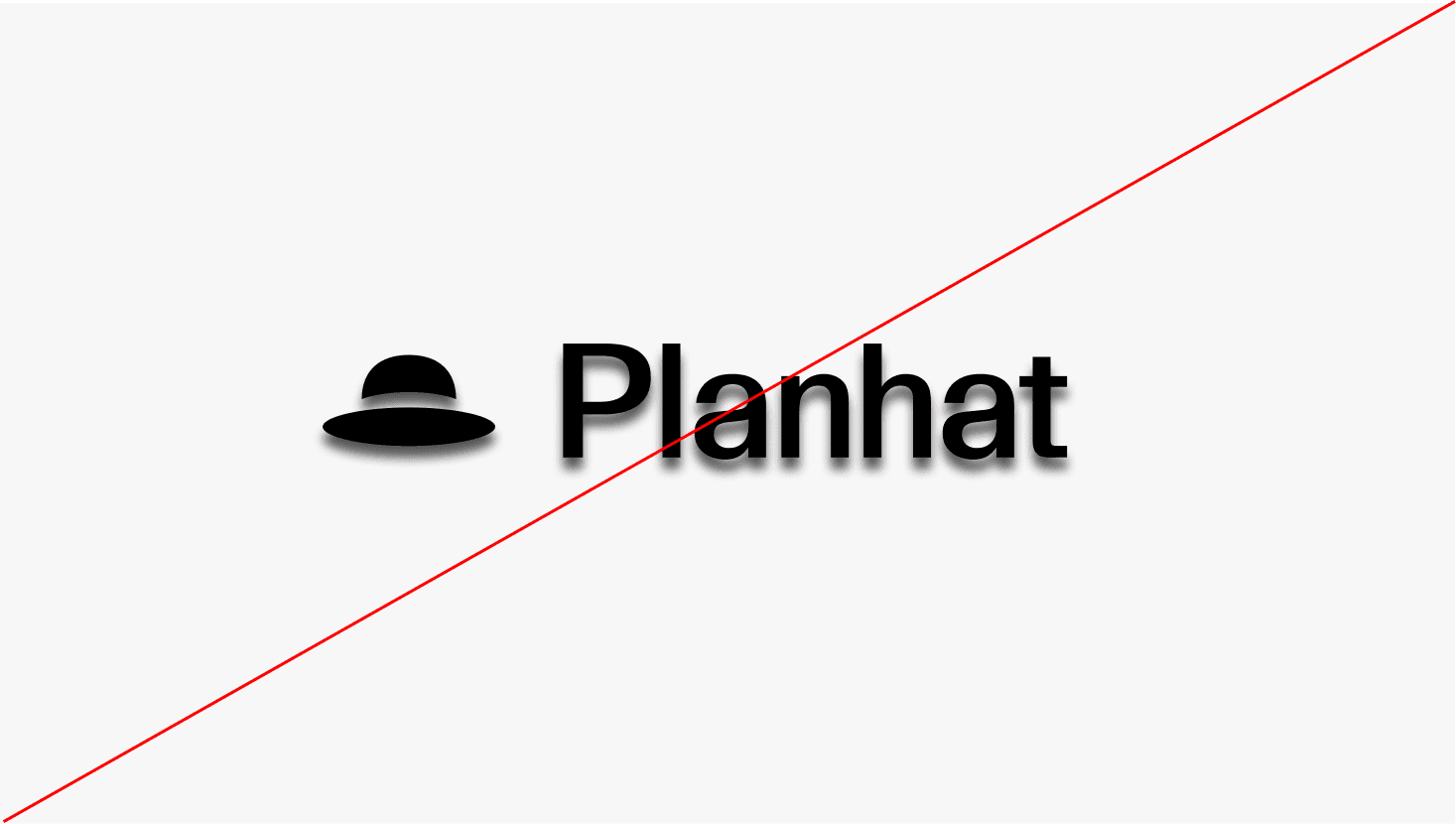
Do not apply effects

Do not use the dark version of the logo on dark backgrounds

Do not use the light version of the logo on light backgrounds

Do not outline

Do not apply effects

Do not use the dark version of the logo on dark backgrounds

Do not use the light version of the logo on light backgrounds

Do not outline

Do not apply effects

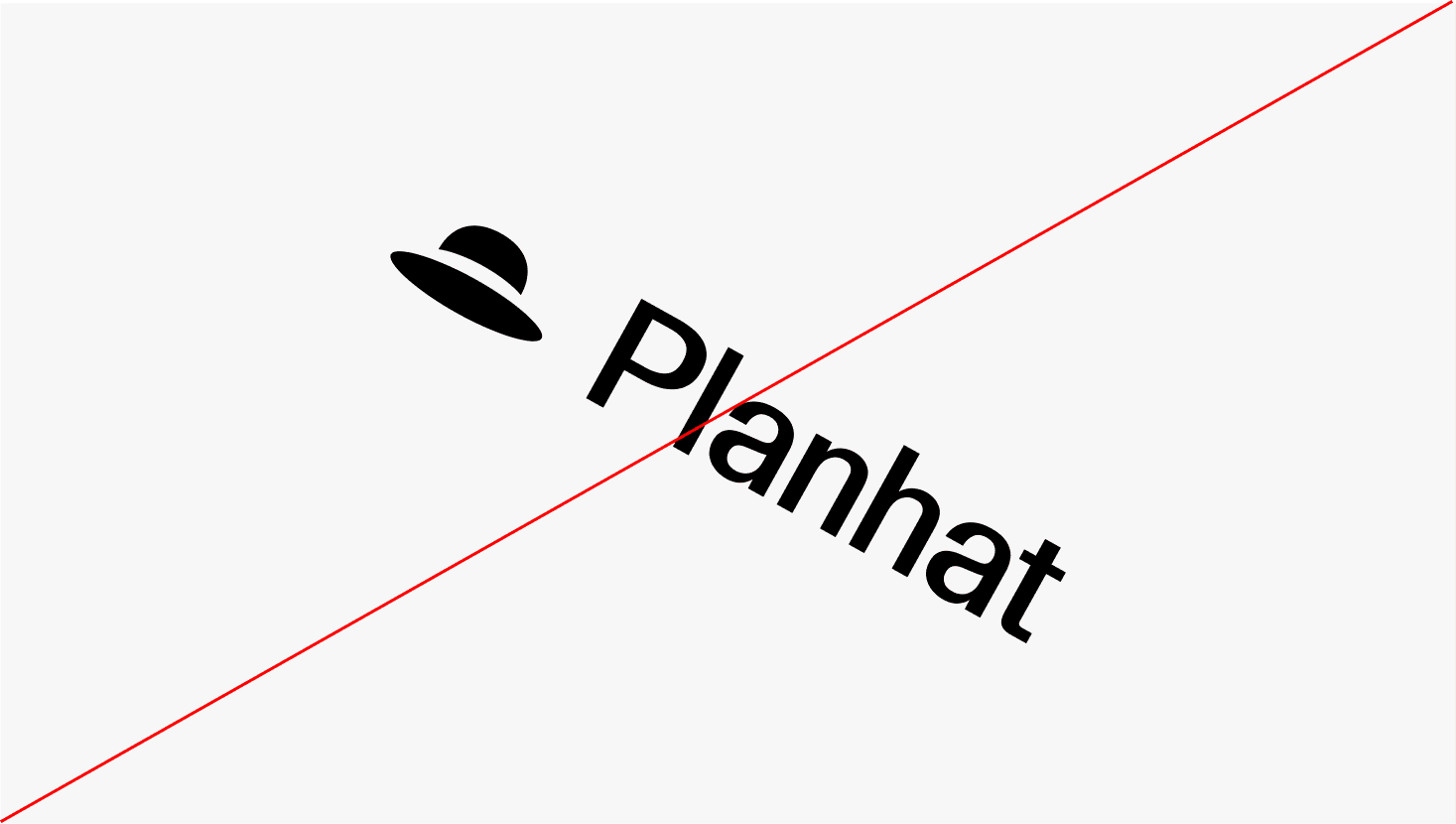
Do not rotate

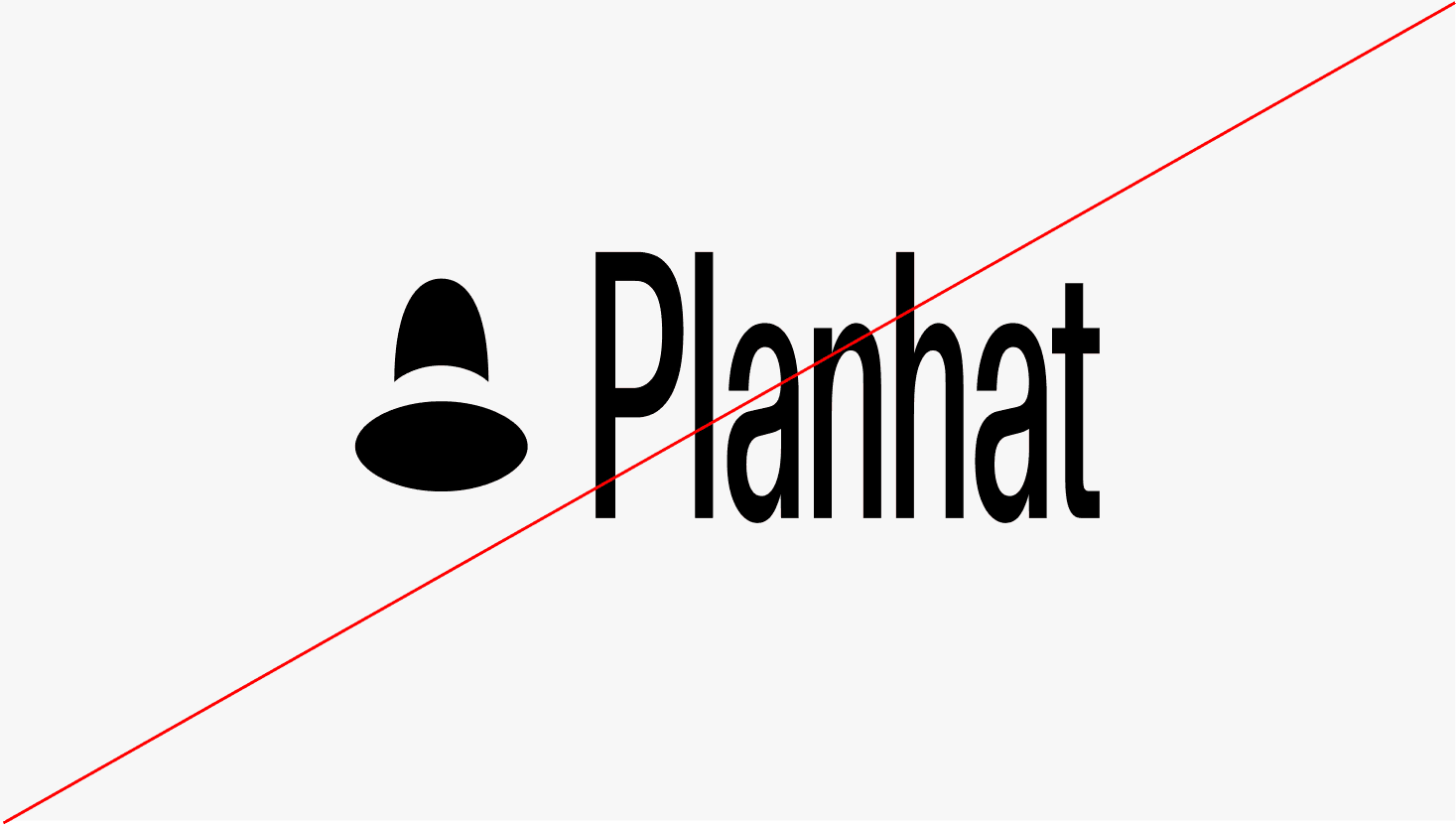
Do not stretch

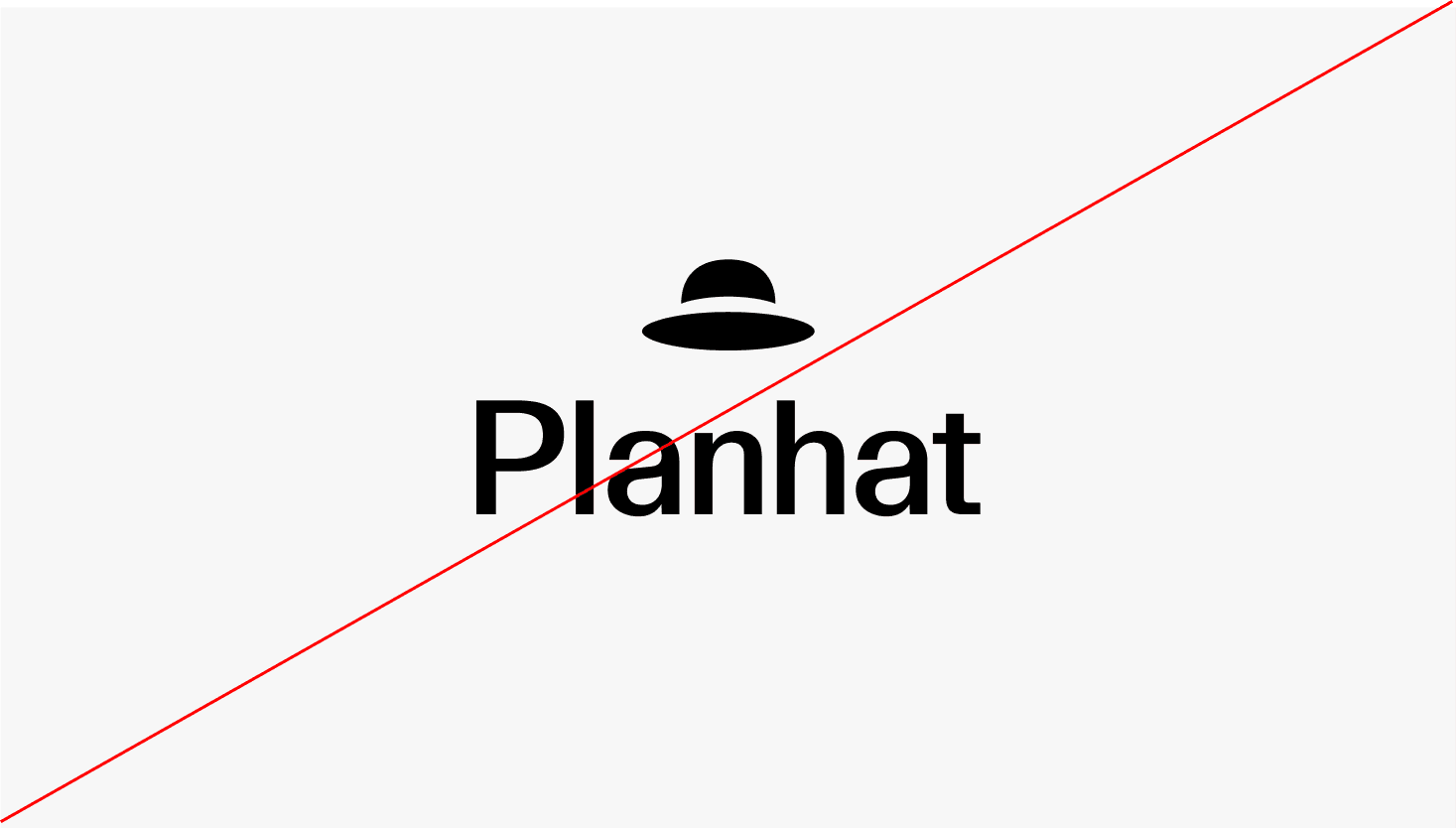
Do not change the position of the hat

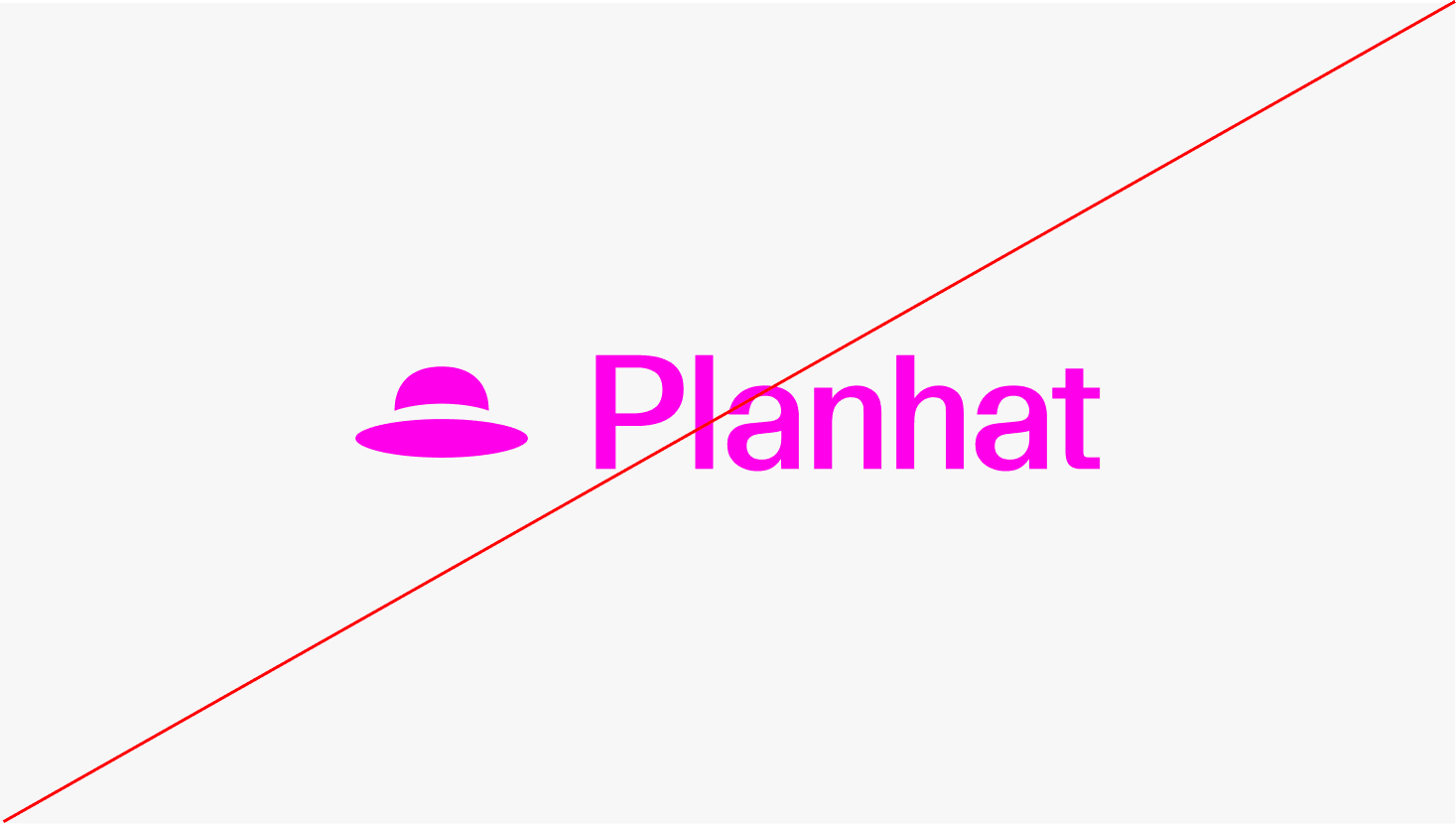
Do not use colors outside of those defined in the guidelines

Do not rotate

Do not stretch

Do not change the position of the hat

Do not use colors outside of those defined in the guidelines

Do not rotate

Do not stretch

Do not change the position of the hat

Do not use colors outside of those defined in the guidelines

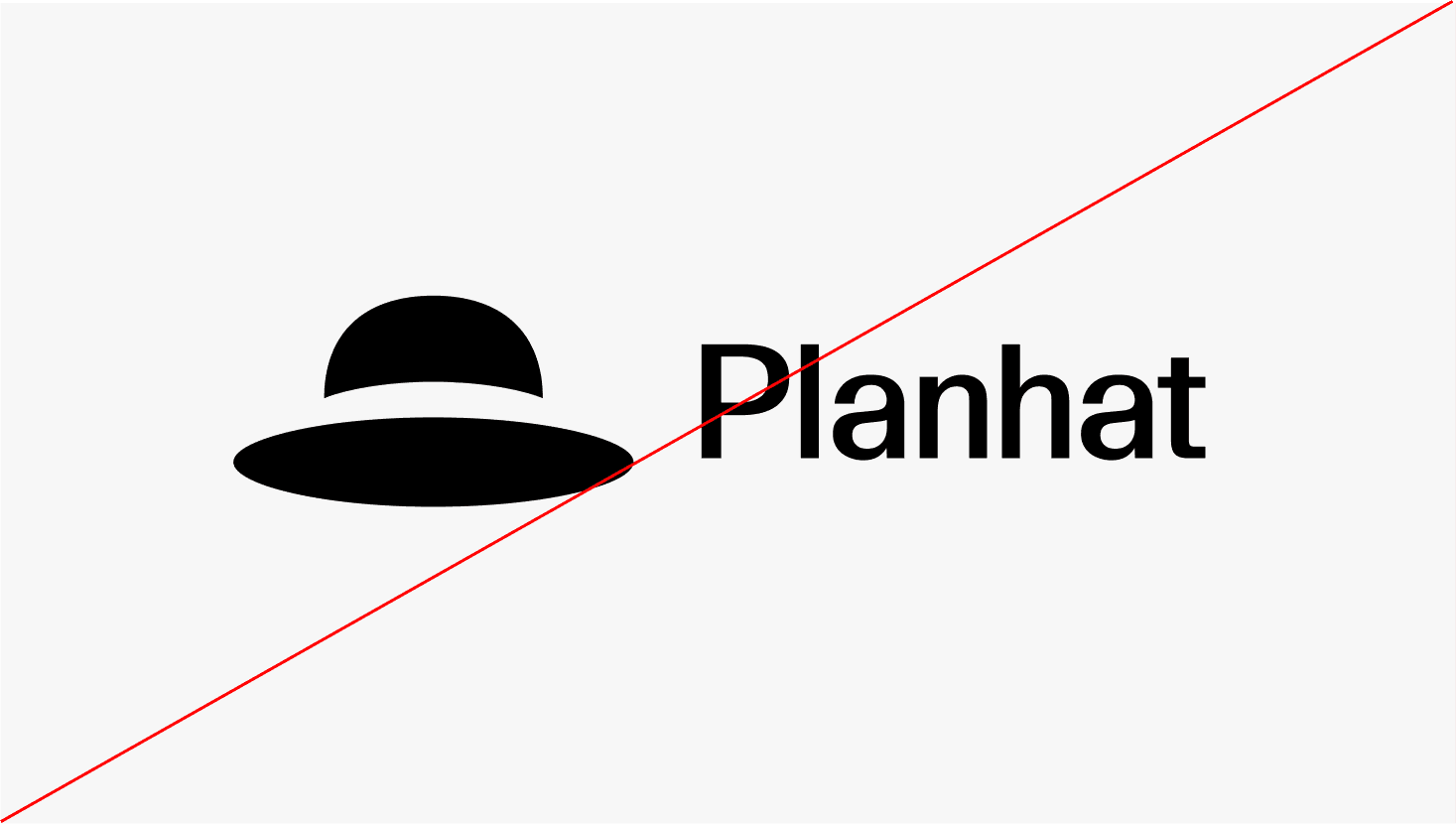
Do not alter the proportions between symbol and wordmark

Do not alter the proportions between symbol and wordmark

Do not alter the proportions between symbol and wordmark

Repository

For screen and digital applications

Logo package RGB (SVG)

Logo package RGB (PNG)

Favicon

Favicon package RGB (SVG)

Favicon package RGB (PNG)

For print

Logo package CMYK (EPS)

Logo package CMYK (TIFF)