
Changelog

January 9, 2026

Smarter and more consistent AI Workflows with Structured Output and File Reading

Smarter and more consistent AI Workflows with Structured Output and File Reading
Hygienic and consistent data with AI

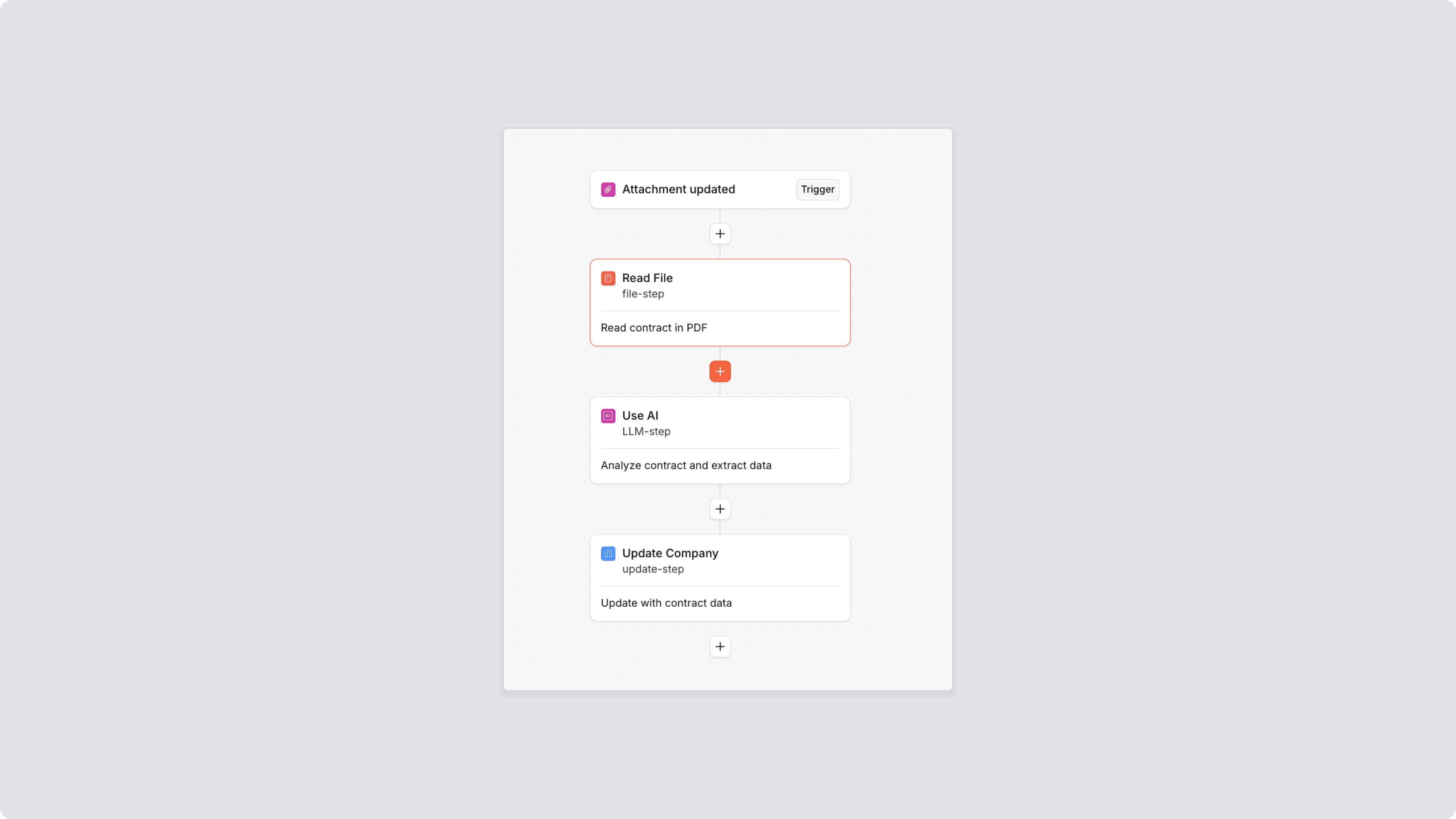
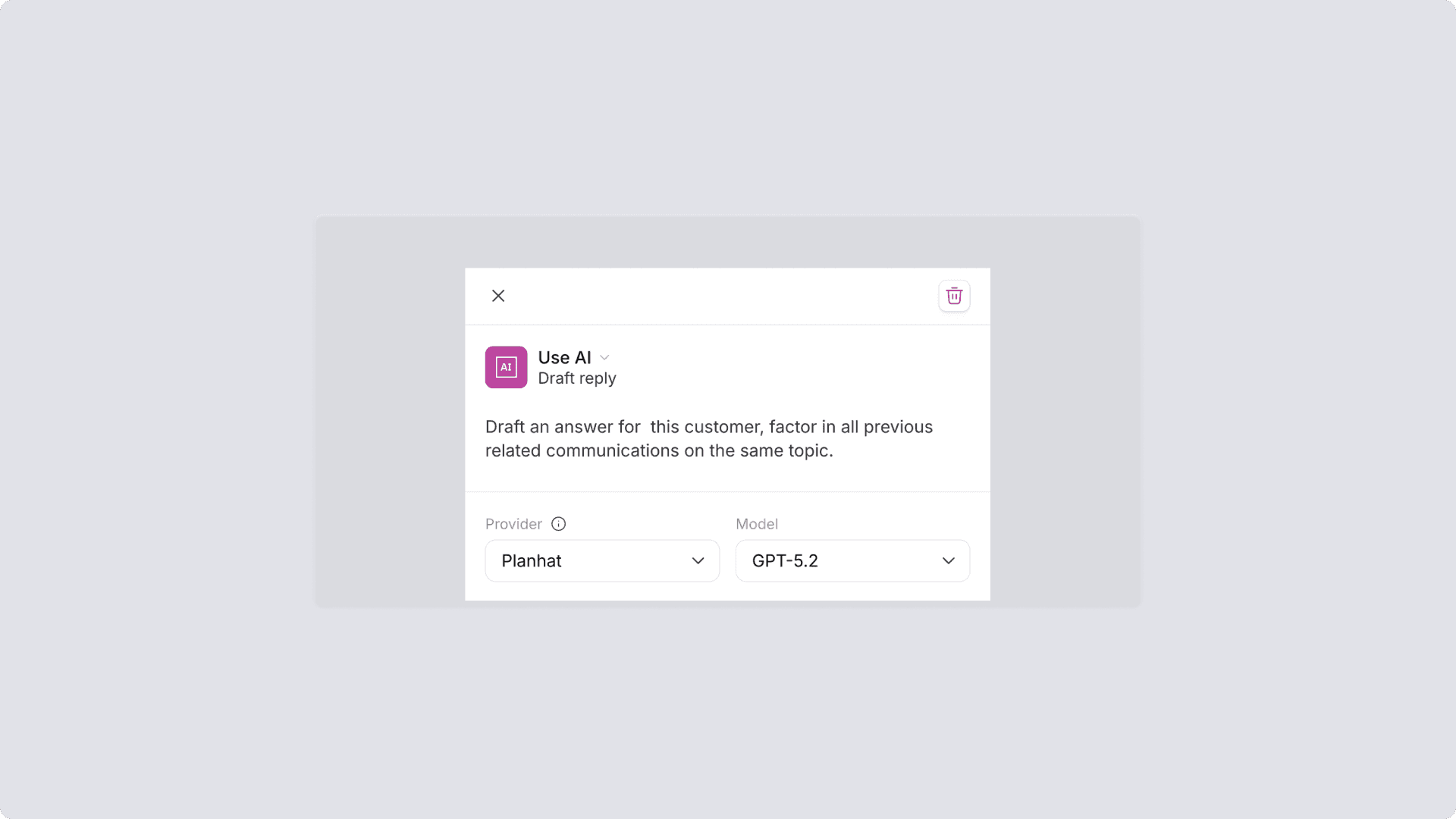
Keep your data hygienic and consistent when creating or updating data using AI, with structured output. E.g. when generating opportunties from call transcripts, use your existing fields setup: Deal Type, ARR and Stage fields to create or update the opportunity in Planhat — ensuring your data is consistent, clean and up to date as you update or add field values.


Analyze and extract information from Files in Automations

You can now use AI to read PDFs, DOCX, and text files in Automations — attachments in Planhat or URLs — from the new “Read File” step. Extract structured data from contracts, onboarding docs, security reviews, or order forms, and use it to update fields, trigger workflows, or enrich customer records automatically.


Improvements

Improvements

Improvements

API

API

API

January 9, 2026

Portals, Customer Notifications and Extended Sessions

Portals, Customer Notifications and Extended Sessions
Notifications in Portals

Give your customers real-time visibility into project updates, shared documents, and more — all through notifications in Portals. External users can now manage and receive notifications directly in the Portal or via email, making collaboration smoother and keeping everyone aligned.


Reduce login friction in Portals through Extended Session Length

You can now control how long external users stay logged in to your Portals — from 12 hours to 30 days. Set session durations in Portal Manager > Settings to reduce login friction for frequent visitors and create a smoother, more seamless experience.


Improvements

Improvements

Improvements

API

API

API

December 11, 2025

Automations Run status and call summaries

Automations Run status and call summaries
Introducing Automation Run status

You can now track the status of manually triggered Automations from the top-right corner of the screen. The icon indicates whether the latest run is in progress, completed, or failed — and clicking it shows you the status of recent runs for quick visibility.


New Templated AI Automations for Call Summaries

Summarize your customer call or demo call with prospects to surface key insights without manual work. The new templates are added to our App Center to help you get started quickly with AI.


Improvements

Improvements

Improvements

December 9, 2025

Opus 4.5, Haiku 4.5, navigational ease for Documents and managing Automations

Opus 4.5, Haiku 4.5, navigational ease for Documents and managing Automations
Introducing Opus 4.5 and Haiku 4.5 in AI Model Hub

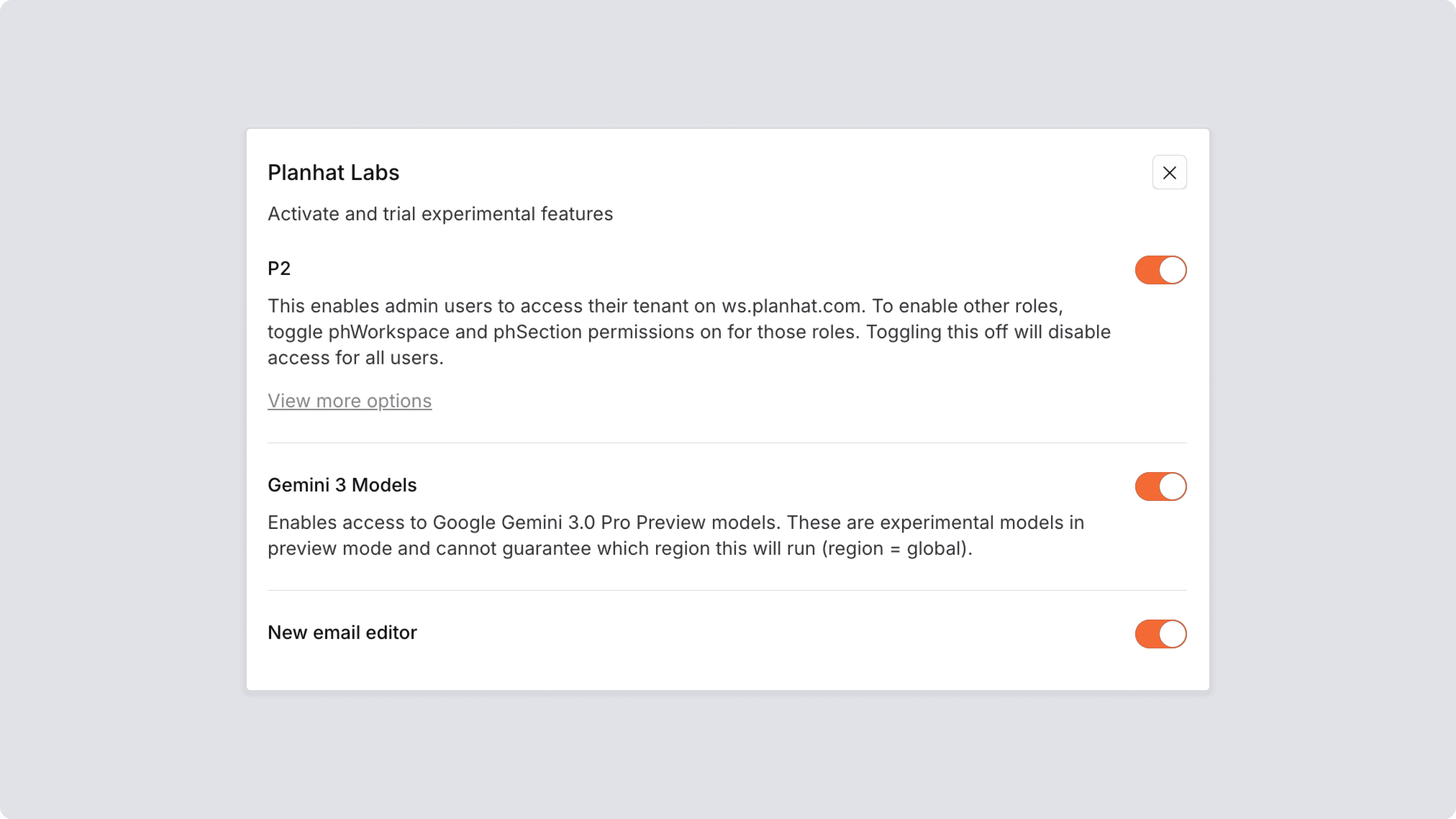
Claude Opus 4.5 and Haiku 4.5 are now available in our AI Model Hub and AI workflows. Haiku 4.5 is fast and cost-effective for complex tasks, while Opus 4.5 excels in deep reasoning and financial modelling.


Table Content in Documents

You can now add a table of contents block to your docs that automatically generates from your document's headings. Use the block picker (/) to insert it anywhere in your doc — great for longer documents where you want to easily jump to specific sections.


Manage your Automations

Enable, disable or update labels easily across multiple Automations using our new bulk actions — try it out in App Center.


Improvements

Improvements

Improvements

API

API

API

November 12, 2025

All-New Portals

All-New Portals
All-New Portals
Unify customer collaboration

Replace siloed and scattered tools with one, unified collaboration hub. Planhat Portals allow teams to proactively focus on outcomes, not busy work. Share files, data, or track goals in a single, co-owned space.

An Extension of Your Product

Portals create a single space to guide customers through the entire customer journey, adaptable to how your business operates - all while looking and feeling like an extension of your brand. Collaborate on any project together - whether it’s close plans, onboarding, or even upcoming renewals.


Built to Securely Scale

Portals are built with security-first architecture that protects sensitive data while enabling reusable, customizable experiences. Personalise Portals with your own branding or use custom roles to tailor the experience for different stakeholders.


Upgrading Portals

Portals is included in Planhat Professional and Advanced. Reach out to your account team or activate in Settings > Roles to get started.

Never miss an update

Never miss an update